
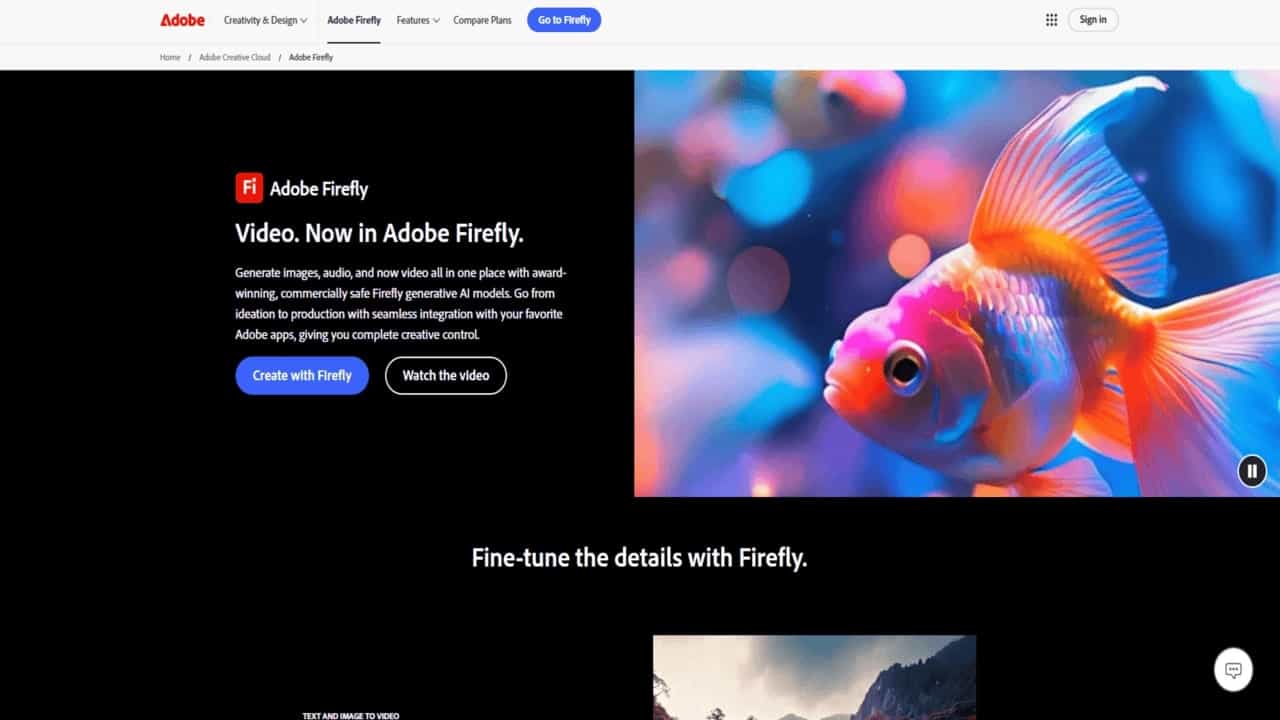
Adobe Firefly
What is Adobe Firefly?
Adobe Firefly is your AI-powered creative sidekick! Imagine typing a few words and watching them transform into stunning images, logos, or artwork—that’s Firefly in action. Designed for everyone (yes, even beginners!), this tool turns text prompts into professional designs in seconds. Whether you’re a graphic designer, marketer, or hobbyist, Firefly helps you create magic without needing advanced skills.
Key Features
- Text to Image: Type a description (e.g., “sunset over mountains”) and get a detailed image. Add reference photos to guide the style!
- Generative Fill: Fix photos instantly. Remove objects, add elements, or change backgrounds with a brush tool.
- Cool Text Effects: Make words pop! Add textures like “gold glitter” or “neon glow” to text in your designs.
- Recolor Artwork: Test endless color combos for logos or illustrations with one click.
- Text to Vector Graphics: Turn phrases like “minimalist cat logo” into scalable vector images—perfect for printing!
✅ Pros
- Super Fast: Create in minutes, not hours.
- Easy to Use: Simple interface, no design degree needed.
- Commercial Safety: Use your creations in paid projects worry-free.
- Free to Try: Experiment without spending a dime.
❌ Cons
- Learning Phase: Newbies might need 15-30 minutes to master features.
- Internet Required: Needs Wi-Fi to work smoothly.
- Adobe Ecosystem: Works best if you use other Adobe tools (like Photoshop).
Pricing
- Free Plan: Start creating immediately—no credit card needed!
- Premium Plan: Get advanced tools for pros (check Adobe’s website for exact pricing).


Leave a Comment