
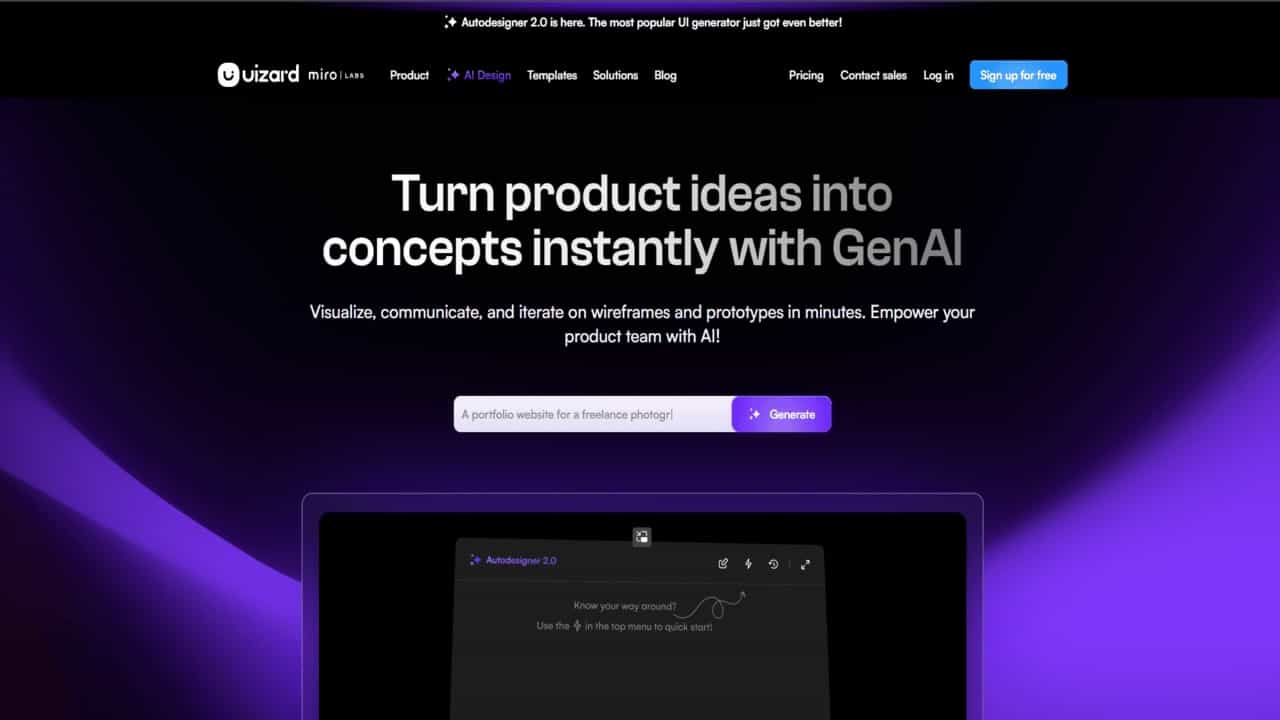
Uizard
$12
What is Uizard AI?
Uizard AI is a smart AI-powered design tool that makes it super easy to create UI mockups, wireframes, and interactive prototypes. Whether you’re a designer, product manager, marketer, or even a beginner, Uizard helps you turn your ideas into professional-looking designs — no need to learn complex design software.
Key Features
- AI-Powered Design: Converts text prompts into editable screens and mockups using AI.
- Drag-and-Drop Editor: Simple editor that anyone can use — no design skills needed.
- Real-Time Collaboration: Work together with your team on the same project at the same time.
- Easy Prototyping: Turn static designs into clickable prototypes quickly.
- Screenshot & Wireframe Scanner: Upload screenshots or hand-drawn wireframes to generate editable UI elements.
Pros
- ✅ Fast & Easy: Create and edit designs in minutes — great for quick iterations.
- ✅ Beginner-Friendly: No need for technical or design experience.
- ✅ Team Collaboration: Share your design process and get feedback in real time.
- ✅ Smart AI Help: Features like Autodesigner make building layouts easier than ever.
Cons
- ❌ Learning Curve: Some AI features may take time to get used to for new users.
- ❌ Limited Customization: AI-generated designs may not always offer full creative control.
Who Uses Uizard?
- Product Managers: To quickly visualize and share product ideas.
- Designers & UX Experts: For fast mockups and testing different layouts.
- Marketers: To create branded UI designs for campaigns and client pitches.
- Startup Founders: To design MVPs and pitch-ready prototypes without hiring a designer.
- Educators & Analysts: Used in classrooms and presentations to teach and explain processes.
Pricing
Monthly Plans:
- Free: $0/month
- Pro: $19/month
- Business: $39/month
- Enterprise: Contact Sales
Yearly Plans:
- Free: $0/month
- Pro: $12/month
- Business: $39/month
- Enterprise: Contact Sales
For the latest pricing plans and subscription options, visit the official Uizard website.


Leave a Comment